Practical Approach to Data Migration and Upsert in Salesforce
Introduction
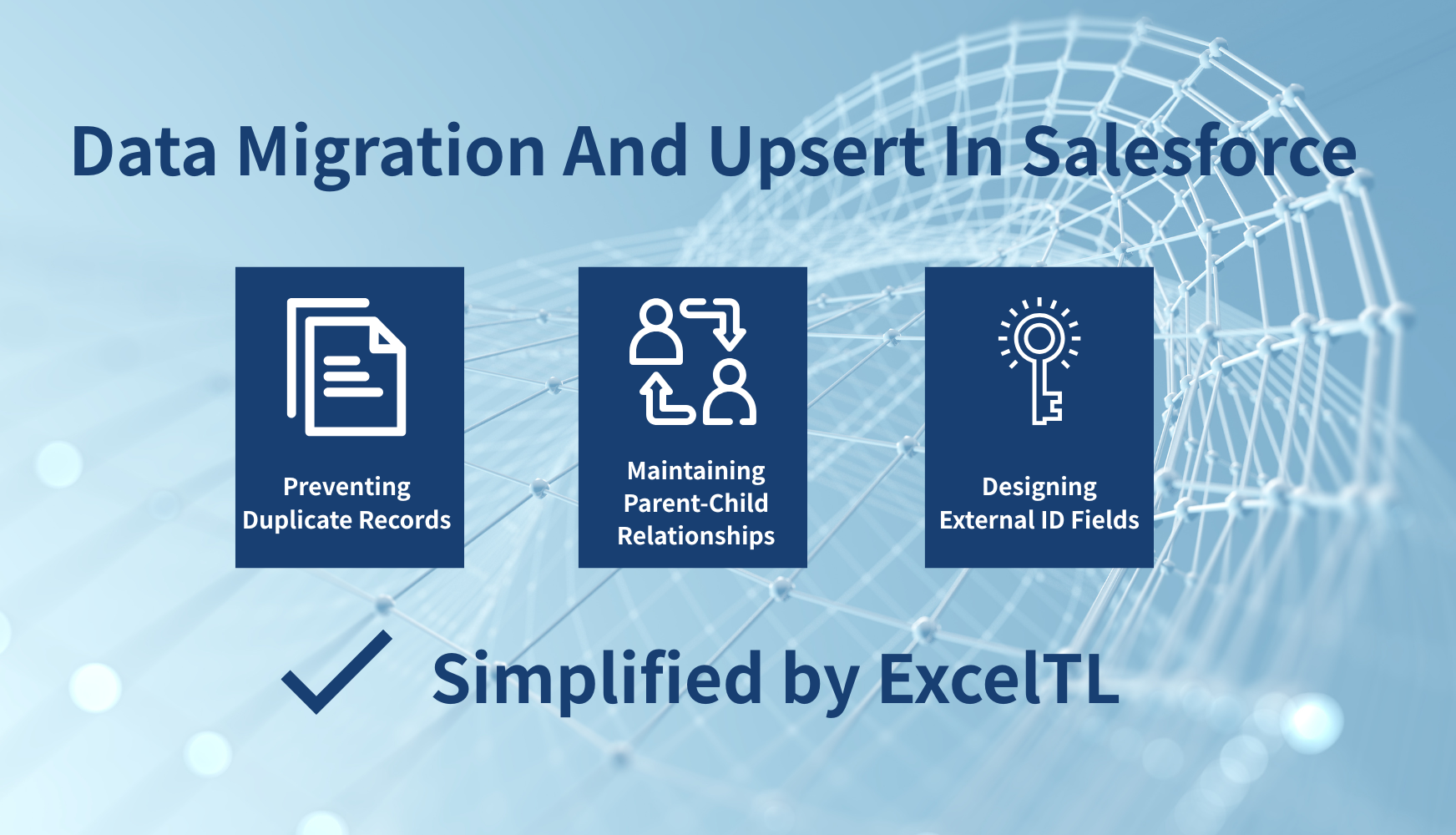
When designing data migration or system integration with Salesforce, many teams encounter recurring technical challenges: “How can we prevent duplicate records?” “How can we maintain parent-child relationships?” “How should we design external IDs?”
These are some of the most common issues faced when implementing Salesforce. In developing ExcelTL, we focused not only on performance, usability, and UX — but also on solving the problems that other tools struggle with. This article introduces practical approaches to simplify data migration to Salesforce, along with how ExcelTL provides smart, no-code solutions to tackle these challenges.
Common Challenges in Salesforce Data Migration and Integration
1. Preventing Duplicate Records
Uploading the same data multiple times often leads to duplicate records in Salesforce. Preventing this requires clear rules for identifying existing data.
2. Maintaining Parent-Child Relationships
In relational databases, primary and foreign keys are used to manage parent-child relationships. However, Salesforce does not use this concept directly, so maintaining relational integrity requires extra effort.
3. Designing External ID Fields
In Salesforce, external IDs are used to uniquely identify records. But setting them up correctly across multiple objects is time-consuming and error-prone.
Traditional Methods of Data Migration in Salesforce
Conventionally, Salesforce data migration has relied on the following approaches:
1. Avoiding Duplicates Using External ID Fields
Salesforce uses external IDs to prevent duplicate record creation. Typical steps include:
- Creating an External ID field for each object.
- Setting a unique value such as an Account ID or Customer Number as the identifier.
- Using Upsert (insert or update) to update existing data or insert new records automatically.
2. Maintaining Parent-Child Relationships
To link parent and child objects, administrators manually specify parent record IDs and associate them with child records. Because Salesforce lacks a direct foreign key mechanism, this step often requires manual mapping or additional preprocessing.
3. Designing and Managing External ID Fields
To perform Upsert operations, external IDs must be defined and managed within Salesforce. This process is labor-intensive, especially when ensuring consistency across multiple objects or systems.
A Simpler Way — ExcelTL’s Solution
ExcelTL was designed to eliminate these complexities. With ExcelTL, users can define data integration jobs directly in Excel and perform Upsert operations and relationship management in Salesforce — all without writing code.
✅ Flexible ID Definition
You don’t need to create external ID fields in Salesforce beforehand. Instead, ExcelTL allows you to define custom identification keys directly in your job definition. For example, a Contact record can be identified using a composite key such as FirstName + LastName, allowing you to uniquely detect existing records.
✅ Automatic Parent-Child Relationship Linking
ExcelTL can automatically link parent and child records without requiring Salesforce’s parent record ID. It identifies relationships using the custom key, safely maintaining data integrity even after multiple job executions — no more duplicate or broken links.
Upsert Processing with ExcelTL
One of ExcelTL’s most distinctive capabilities is its ability to perform Upsert without predefined external ID fields. During job configuration, you can define identifiers as:
- Single Attribute — e.g., use AccountNumber (Account ID) as a unique key.
- Composite Attributes — e.g., use FirstName + LastName for Contacts, or combine multiple columns to form a unique key.
With this configuration, ExcelTL automatically detects existing records and updates them, while inserting new ones when needed — effectively preventing duplicates even when the same job is executed multiple times.
Demo: Safe Upsert Without External ID
In the demo, we set the Contact’s unique key as FirstName + LastName. In this way, the parent-child relationship can be maintained without external IDs, and even when the same data is processed multiple times, duplicate records are prevented.
Conclusion
In Salesforce data migration, three major challenges often arise:
- The burden of managing external IDs
- The complexity of maintaining parent-child relationships
- The risk of duplicate records
ExcelTL simplifies all of these. With its flexible key definition and no-code Upsert functionality, ExcelTL allows teams to perform data migration safely, quickly, and consistently — without the need for complex configurations.
In our next post, we’ll explore techniques for safely migrating complex data structures in Salesforce. Stay tuned!
Related Articles