ExcelTL Makes It Possible! No-Code Data Migration from PostgreSQL to Salesforce
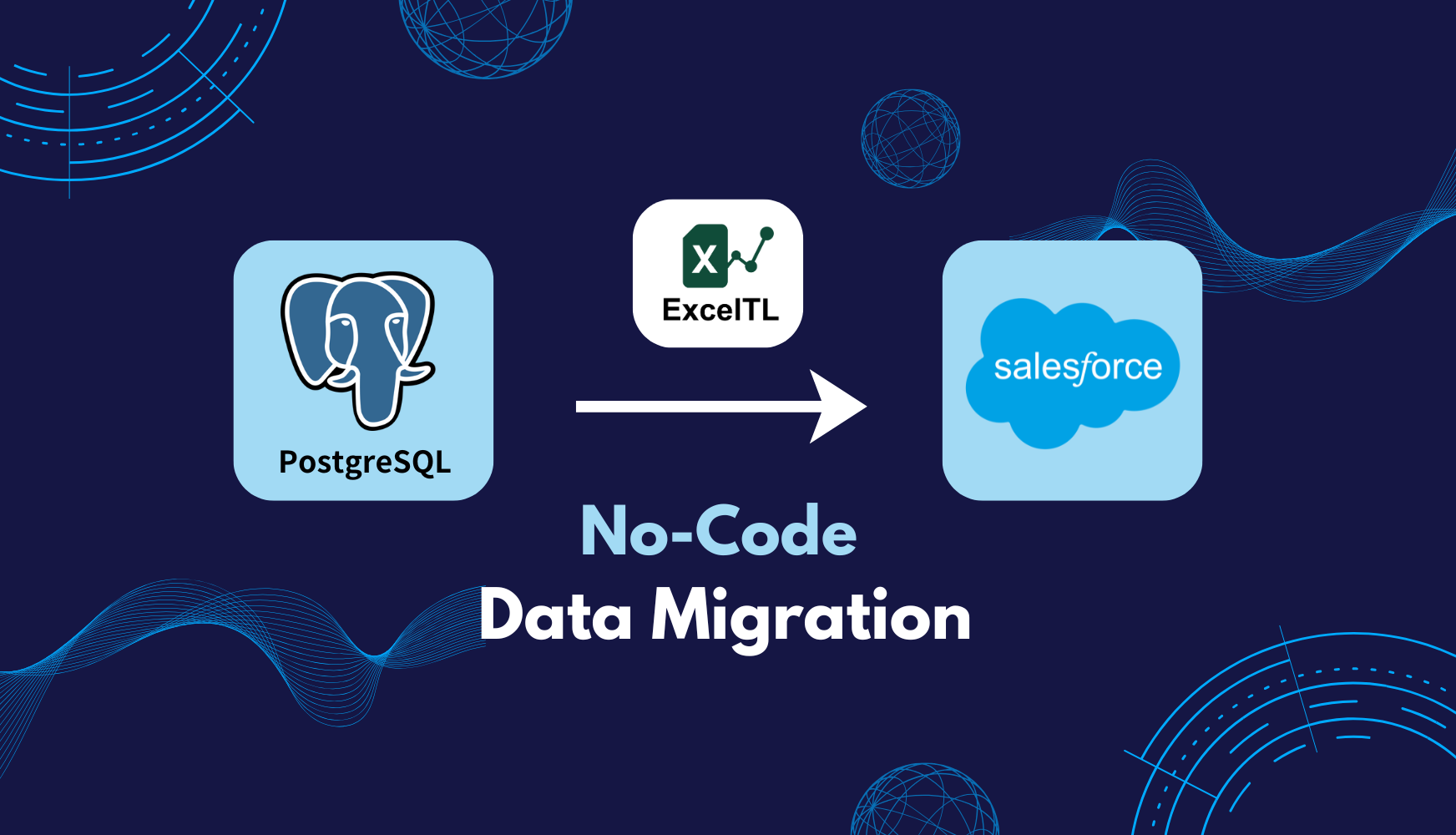
As enterprise data infrastructures diversify, safely and efficiently migrating data from on-premises databases to cloud environments such as Salesforce has become a key challenge for many organizations.
This article focuses on a representative use case — data migration from PostgreSQL to Salesforce — and explains how ExcelTL simplifies complex data integration with a no-code approach.
Simplifying Data Integration — No Coding Required
Are you tired of writing and maintaining complex scripts every time you need to connect systems? With ExcelTL, you can build powerful data pipelines using a familiar Excel-based interface — completely no-code.
In this demo scenario, data is extracted from three PostgreSQL tables — accounts, contacts, and orders — then joined into a single dataset and loaded directly into Salesforce. The entire process takes just a few minutes, achieving a stable and reliable migration without writing a single line of code.
Step-by-Step Job Configuration
Let’s walk through the job setup process in ExcelTL, step by step, as shown in the demo video.
- Scenario Overview: Design a job that extracts data from three PostgreSQL tables:
accounts,contacts, andorders. - Log in to ExcelTL Studio: Launch ExcelTL Studio to begin configuring your ETL job.
- Create the Job Definition (in Excel): Define each step — Extract, Transform, and Load — directly in Excel. No coding required.
- Extract Data: Retrieve the necessary data from PostgreSQL.
- Transform (Join Processing): Use the Join component to merge data from three tables into a single, unified dataset.
- Load & Mapping: Map the merged dataset to Salesforce objects and load them.
- Account Object
- Contact Object
- Order Object
- Upload the Job Definition: Upload the completed Excel job definition file to ExcelTL Studio.
- Execute and Monitor the Job: Run the ETL job and monitor its progress in real time. Any errors can be immediately detected.
- Verify Results in Salesforce: After completion, verify the new records in Salesforce to confirm successful data migration.
Expanding Possibilities with No-Code Integration
With ExcelTL, even users without technical expertise can securely and reliably migrate data between business systems. By removing the bottlenecks that often slow down data migration, ExcelTL enables teams to take control of their own data integration workflows — without depending on developers.
The migration scenario introduced here is just one of many ways ExcelTL can be applied. In future articles, we’ll share more real-world use cases and insights to help organizations solve practical data integration challenges. If you haven’t tried it yet, we invite you to experience the power and simplicity of ExcelTL through the Starter Plan (1 Year Free).
Related Articles