AI Agent Support
Chat with our AI Agent to quickly create ETL jobs with no coding.

Design ETL jobs in Excel and let ExcelTL seamlessly extract, transform, and load data across cloud services and AI agents — simple, fast, reliable, and cost-effective.
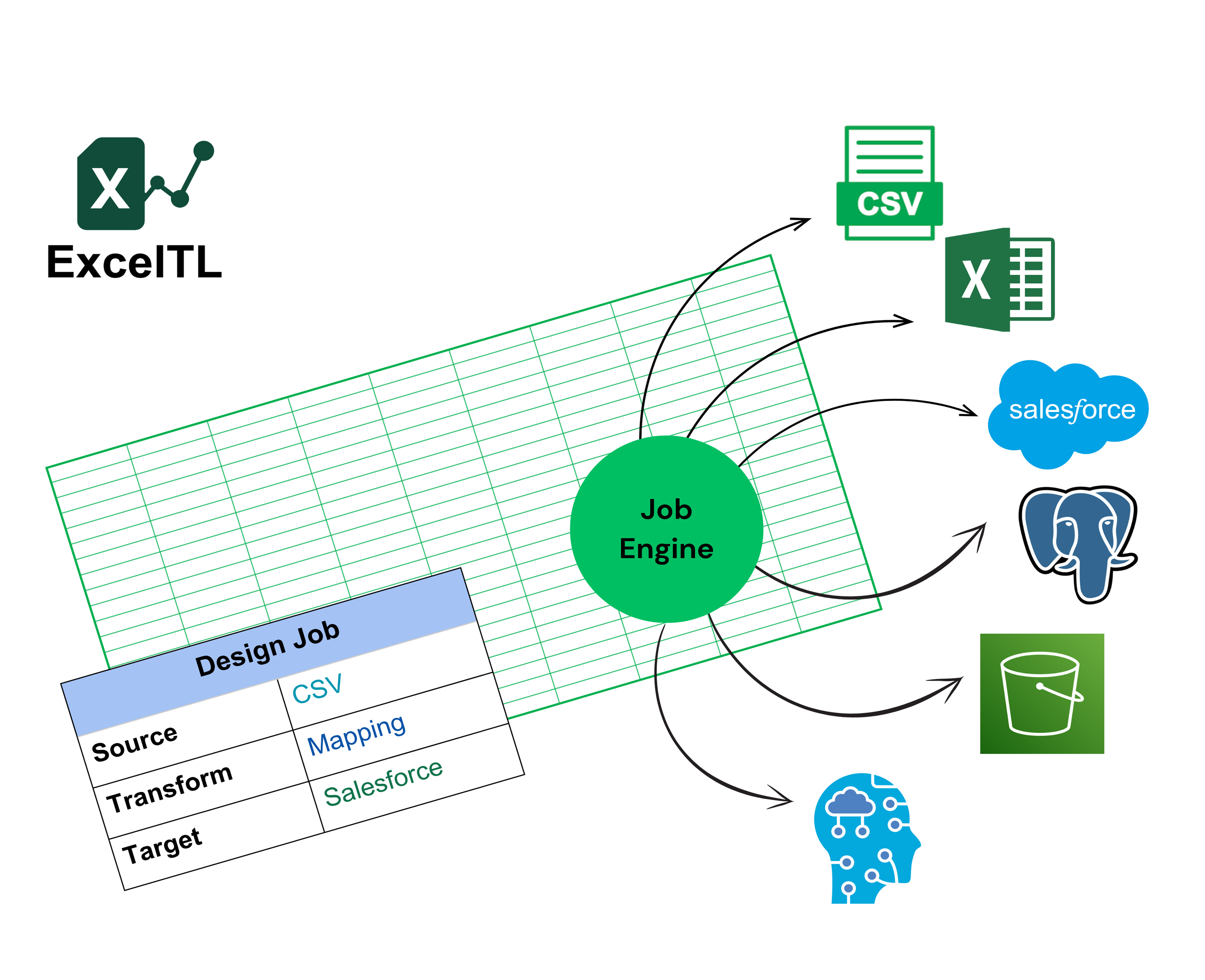
ExcelTL solves these issues with a no-code ETL solution fully built inside Excel.

Design and run ETL jobs directly in Excel—no coding needed. Empower business users and analysts with a familiar interface and full control.
Schedule tasks to run automatically, saving time and eliminating repetitive manual work. Keep your workflows running smoothly without constant oversight.
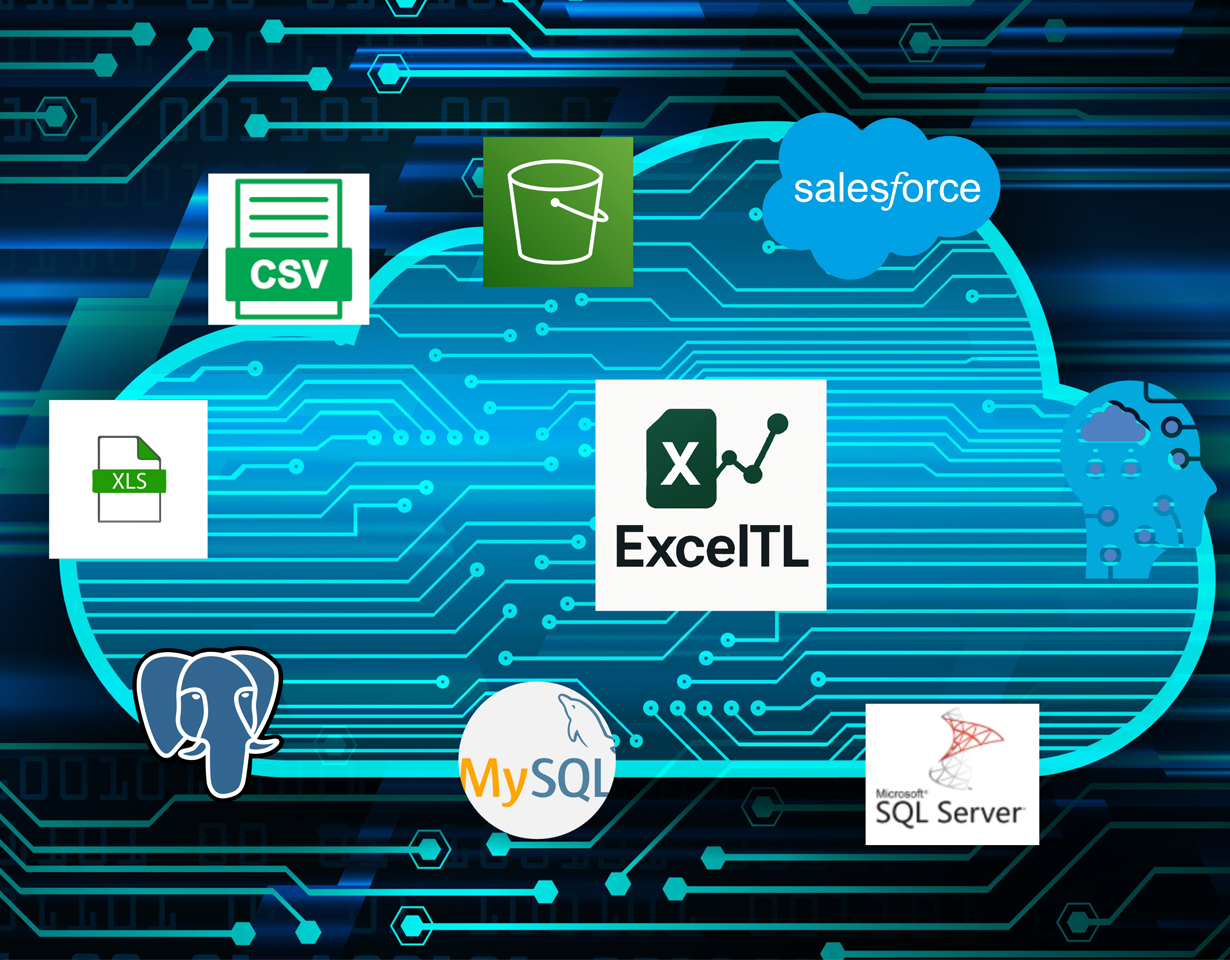
Connect effortlessly to Excel, CSV, Salesforce, PostgreSQL, AWS S3, and more—no plugins or coding required. Continuously expanding support for additional data platforms.
Monitor your ETL jobs live with clear, intuitive progress updates and built-in reporting.
Automatic validation and error notifications keep your data accurate and consistent.
Simplifies the ETL process for everyone, whether you're a beginner or a professional.
Chat with our AI Agent to create ETL jobs quickly and intuitively.


A Seamless ETL Experience - All in Excel
Define your data sources by configuring data source type, file path, or authentication directly in Excel.
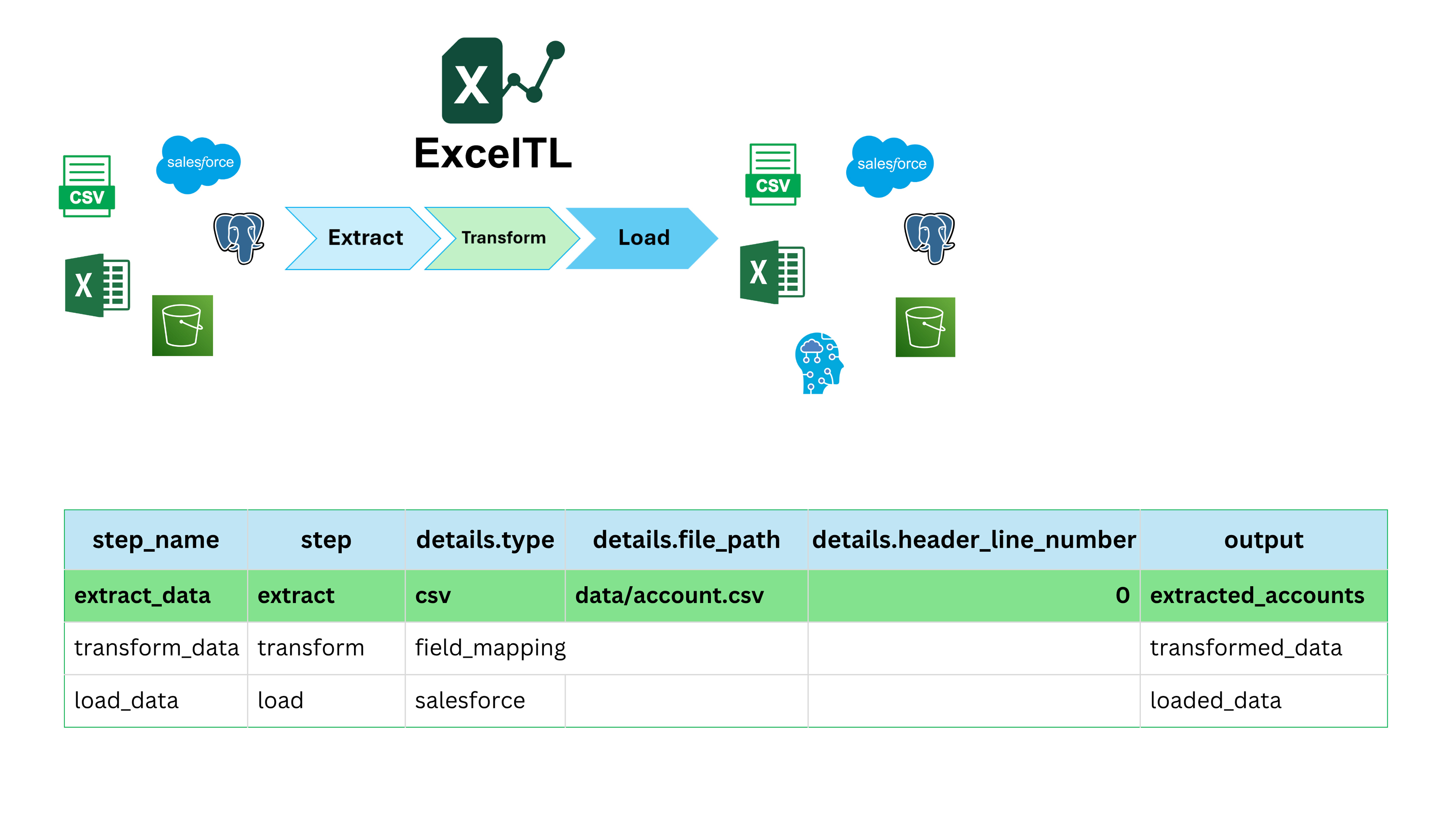
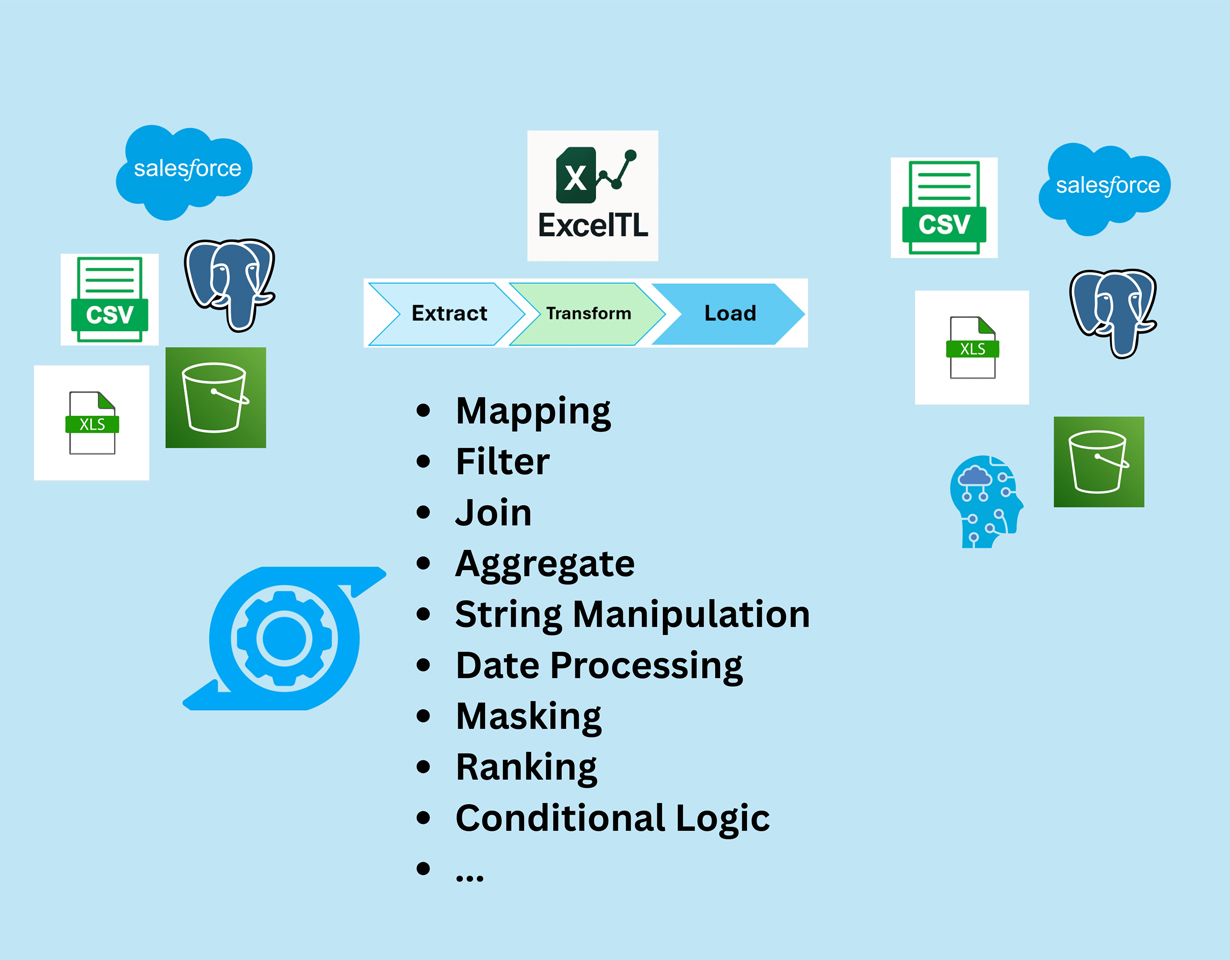
Map, filter, calculate, and transform your data easily using Excel’s familiar interface.
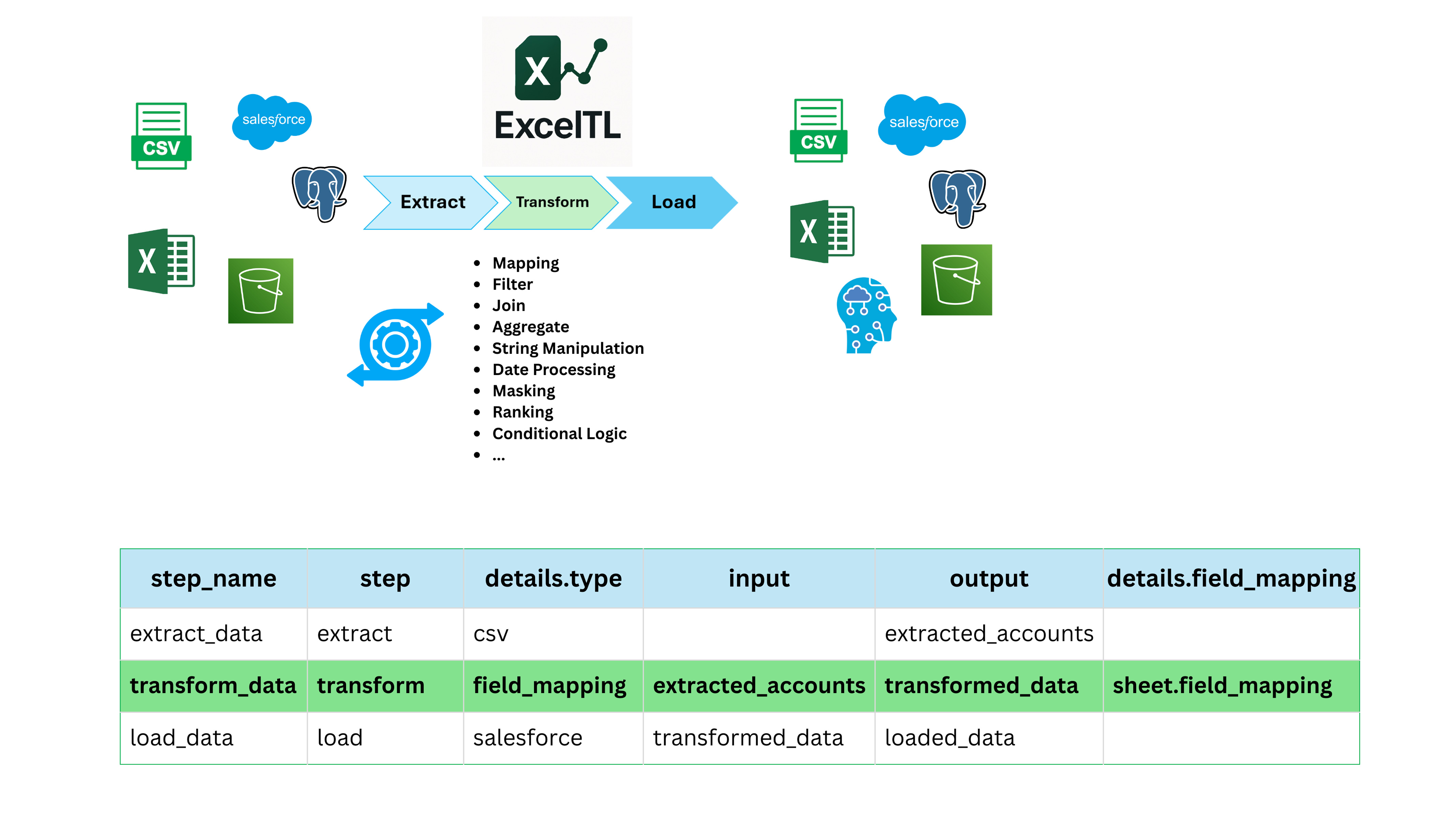
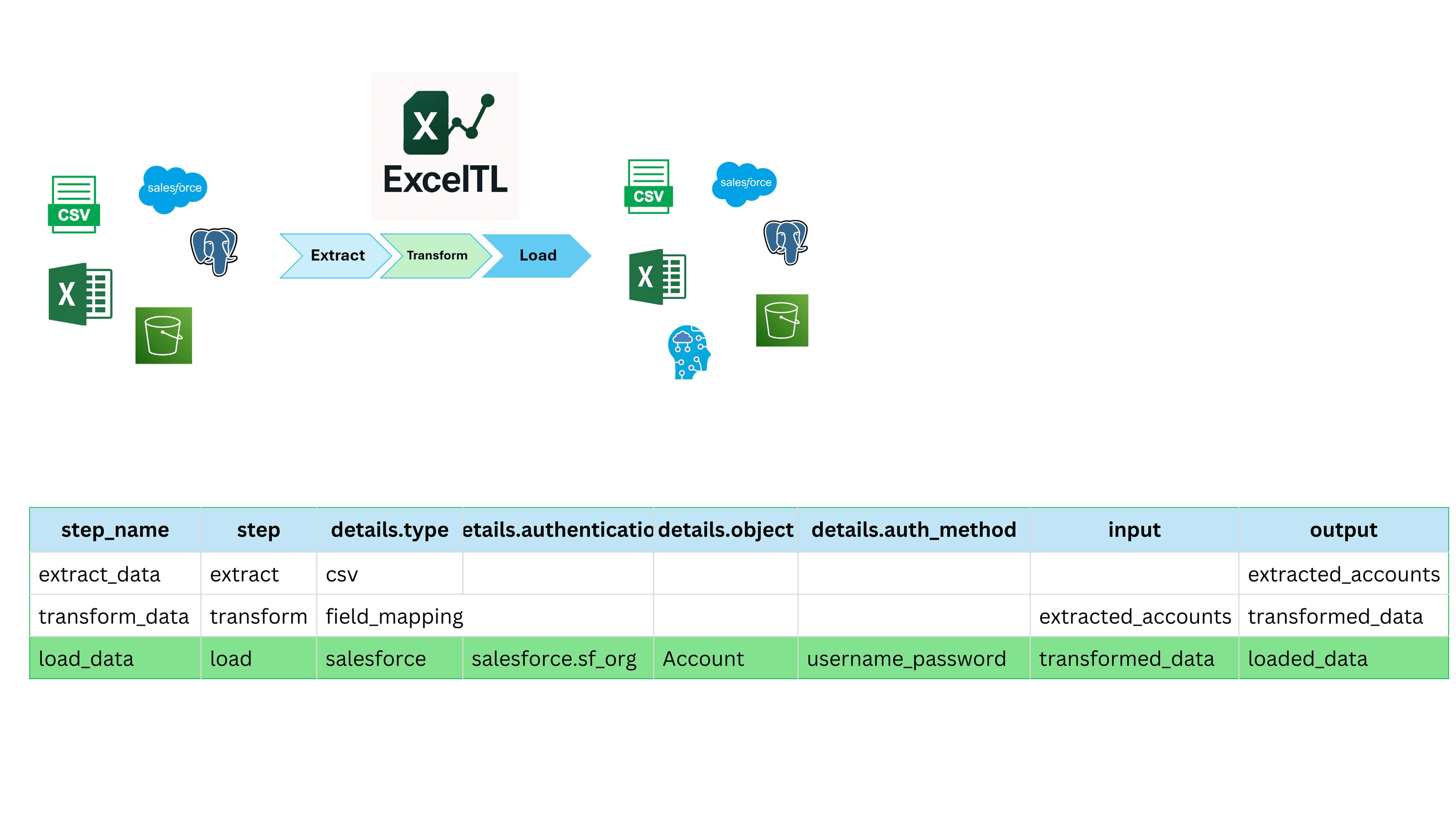
Define your data Target by configuring data type, file path, or authentication.
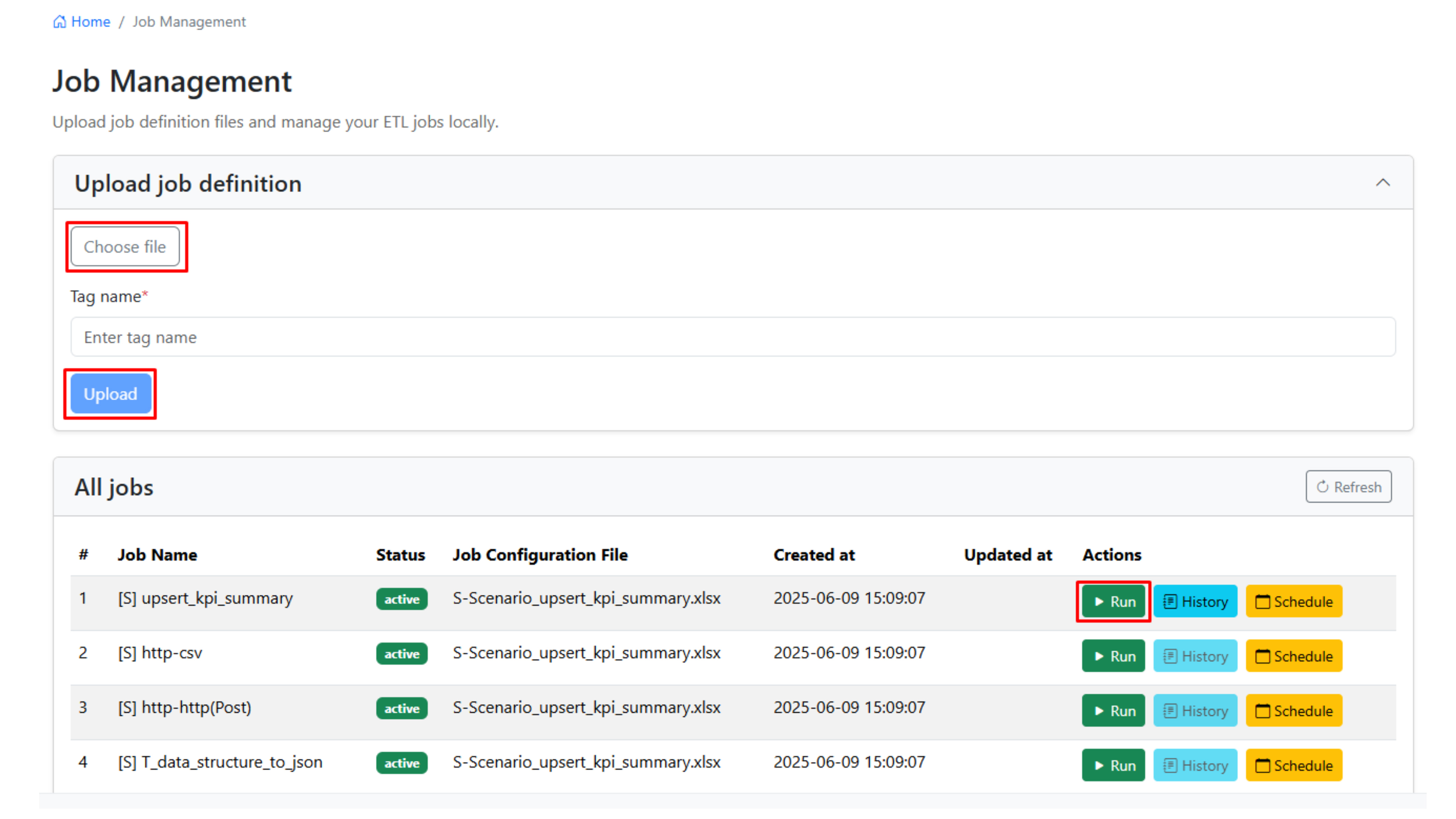
Execute your ETL job with a single click, or easily schedule it to run automatically.
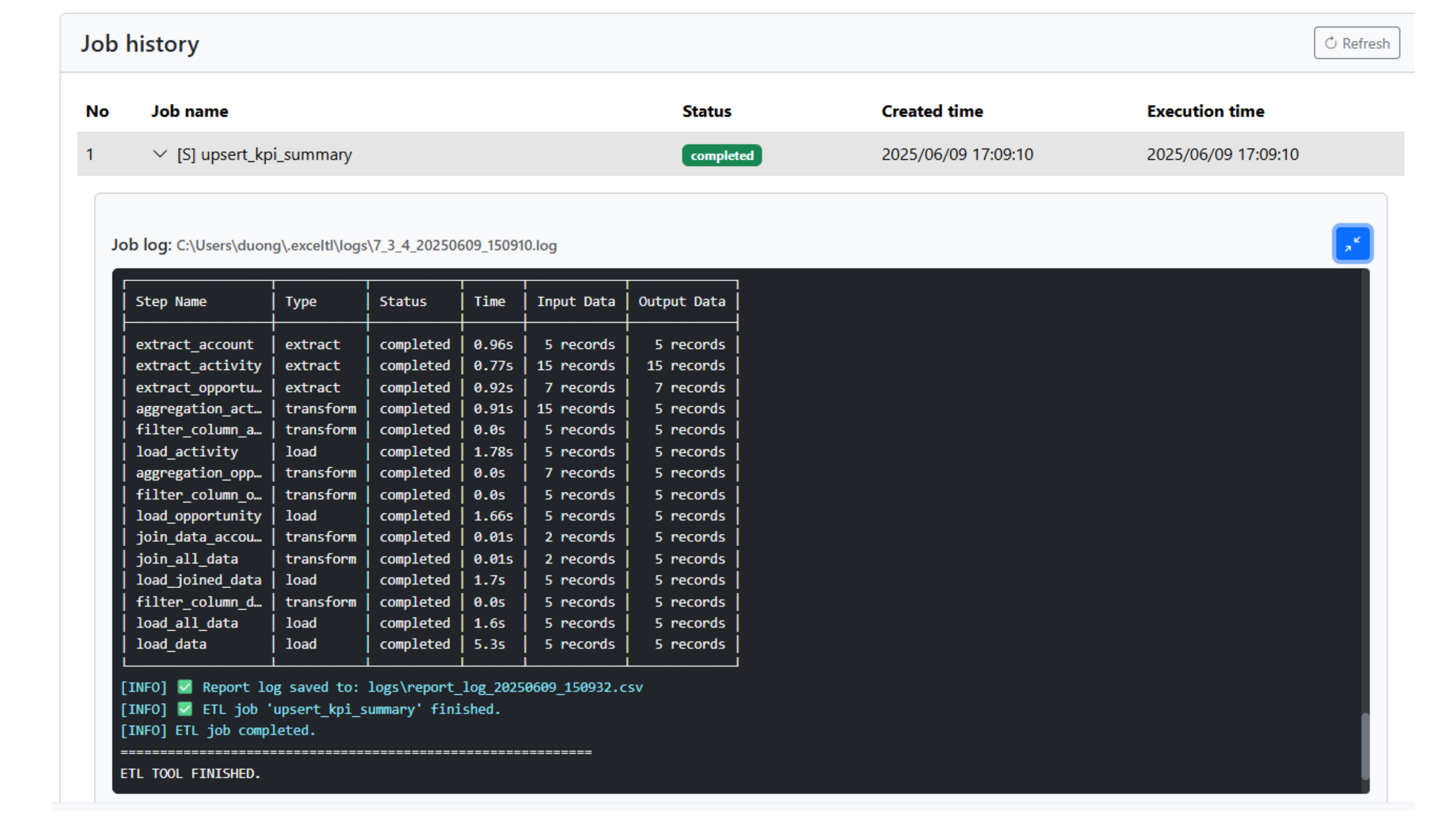
Get live updates on job status, view logs, and access processed data effortlessly.
Powerful Features Tailored for Excel Users
Connect easily to popular data platforms like Excel, CSV, Salesforce, PostgreSQL, AWS S3, and more without coding. Consistently broadening data platform integration.
Automatically detect errors and maintain detailed logs for easy troubleshooting and compliance.
Connect easily to popular data platforms like Excel, CSV, Salesforce, PostgreSQL, AWS S3, and more without coding. Consistently broadening data platform integration.
Monitor job progress and status with live updates.
Apply a wide range of transformations— from simple field mapping to complex calculations—with new features added continuously.
Scalable, secure, and adaptable for teams of any size.
Schedule ETL jobs to run automatically with no manual effort.
Interact with our AI-powered assistant to effortlessly build ETL jobs with speed and ease.

Connect to local or cloud CSV data

Connect to XLS/XLSX spreadsheets

Connect to PostgreSQL databases

Sync with Salesforce CRM data

Connect to S3 cloud storage

Connect to HTTP RESTful APIs for seamless data exchange

Connect to HTTP SOAP APIs for structured data integration

Coming soon

Sync with HubSpot CRM, marketing & sales data

Connect to MySQL databases

Send email via SMTP

Connect to Slack for messaging and notifications

Connect to SFTP servers for secure file transfer

Connect to Google Sheets for job definitions and data read/write
Salesforce-Based Core System Replacement Program
"ExcelTL made our parallel operation scenario realistically executable. We expect it to become an important partner supporting our future migration and ongoing operations."
Kazuki Motoshima
Manager, UX Planning Office
Town Kanri Service Co., Ltd.

Industry
Rental Property Management
Established
1994
Project
Core System Migration to Salesforce
Migration Model
Parallel Run Strategy
Continuous Innovation, Improvement, and Expansion
Our pricing is flexible — you pay based on the number of connectors and features you use.
Start with a Free Trial to explore our robust capabilities, or unlock the full power with our paid plans. Save up to 10% with an annual subscription.
per user/month
per team/month
per 2 users/month
Yearly subscription only
Note: Prices are before taxes.
Choose your operating system and processor architecture to download ExcelTL Studio

ExcelTL is a no-code ETL tool that lets you design ETL jobs directly in Excel, with no programming required. It simplifies data integration, transformation, and automation—all within Excel.
No! If you know Excel, you can use ExcelTL without writing any code. It’s designed for both technical and non-technical users.
You can easily integrate with data sources like Excel, CSV, Salesforce, and PostgreSQL by defining them directly in Excel. ExcelTL handles the rest.
Yes! ExcelTL allows you to automate and schedule your ETL jobs, saving you time and reducing errors.
Yes! ExcelTL is designed to be intuitive—if you're familiar with Excel, you can easily create and manage ETL jobs with no learning curve.
Yes! ExcelTL offers real-time job tracking so you can monitor your ETL tasks as they run.
Yes! ExcelTL can handle your data transformation needs, from simple mapping to complex calculations and custom formulas. New transformation types are continuously being added to offer even greater flexibility.
ExcelTL offers an efficient solution with key benefits, such as:
- No coding required
- Automate repetitive tasks
- Easy integration
- Real-time tracking
- Error handling
Getting started with ExcelTL is simple:
- Install ExcelTL
- Define ETL jobs in Excel
- Run and monitor your jobs in one click
First, simply request the Free Trial, and the system will send you an email with the download link, username, password, and instructions. After installing the software, logging in, and activating the license, you'll be ready to start using ExcelTL immediately.
You can request a subscription for one of the following plans: Starter, Team, or Enterprise. The ExcelTL team will contact you to discuss the details, provide a cost estimate, and finalize the contract. Once payment is completed, the ExcelTL team will send you the installation link, username, password, and instructions. After installing the software, logging in, and activating the license, you will be ready to start using ExcelTL.
Discover our latest announcements and product releases
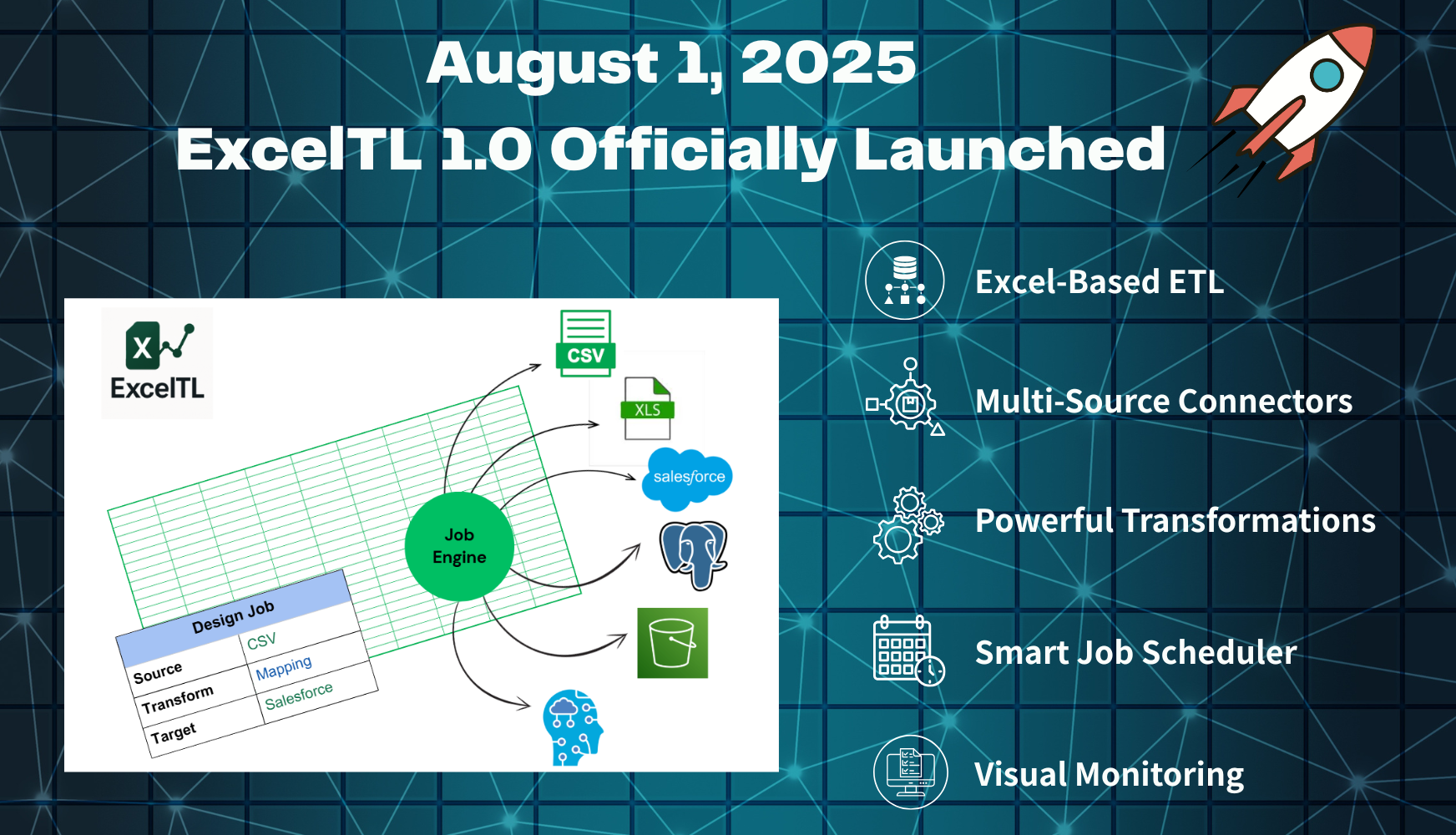
ExcelTL 1.0 is here — the dawn of a no-code data integration era where anyone can design, automate, and transform data pipelines directly in Excel.
Read More
Stay updated with our latest insights and tutorials
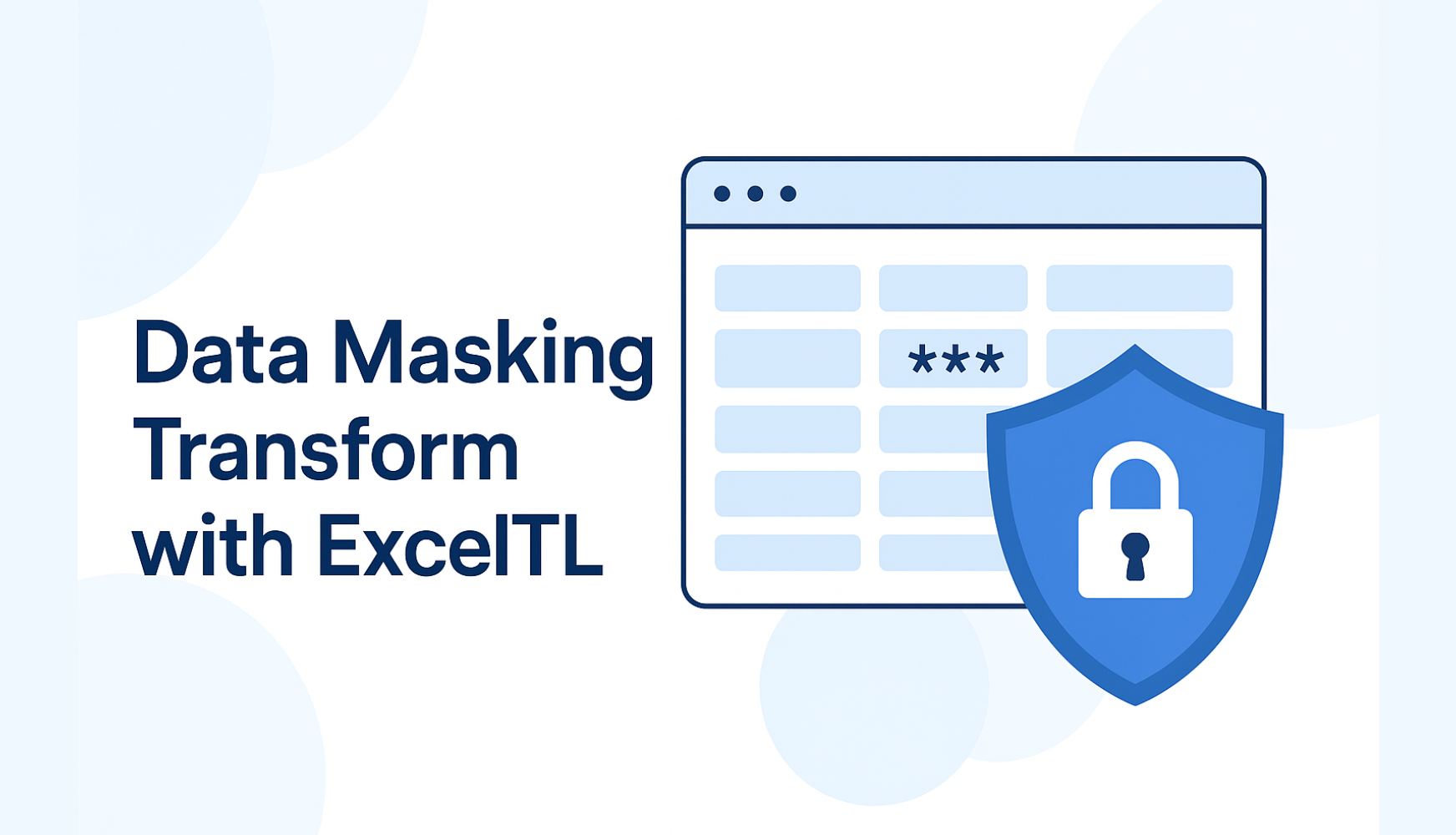
ExcelTL’s Data Masking transform lets you use “production-like” data for testing, analysis, and demos without exposing sensitive PII such as names, em...
Read More
In this scenario, learn how to split mixed Excel data by conditions and import each part into Salesforce objects — Student__c and Instructor__c — usin...
Read More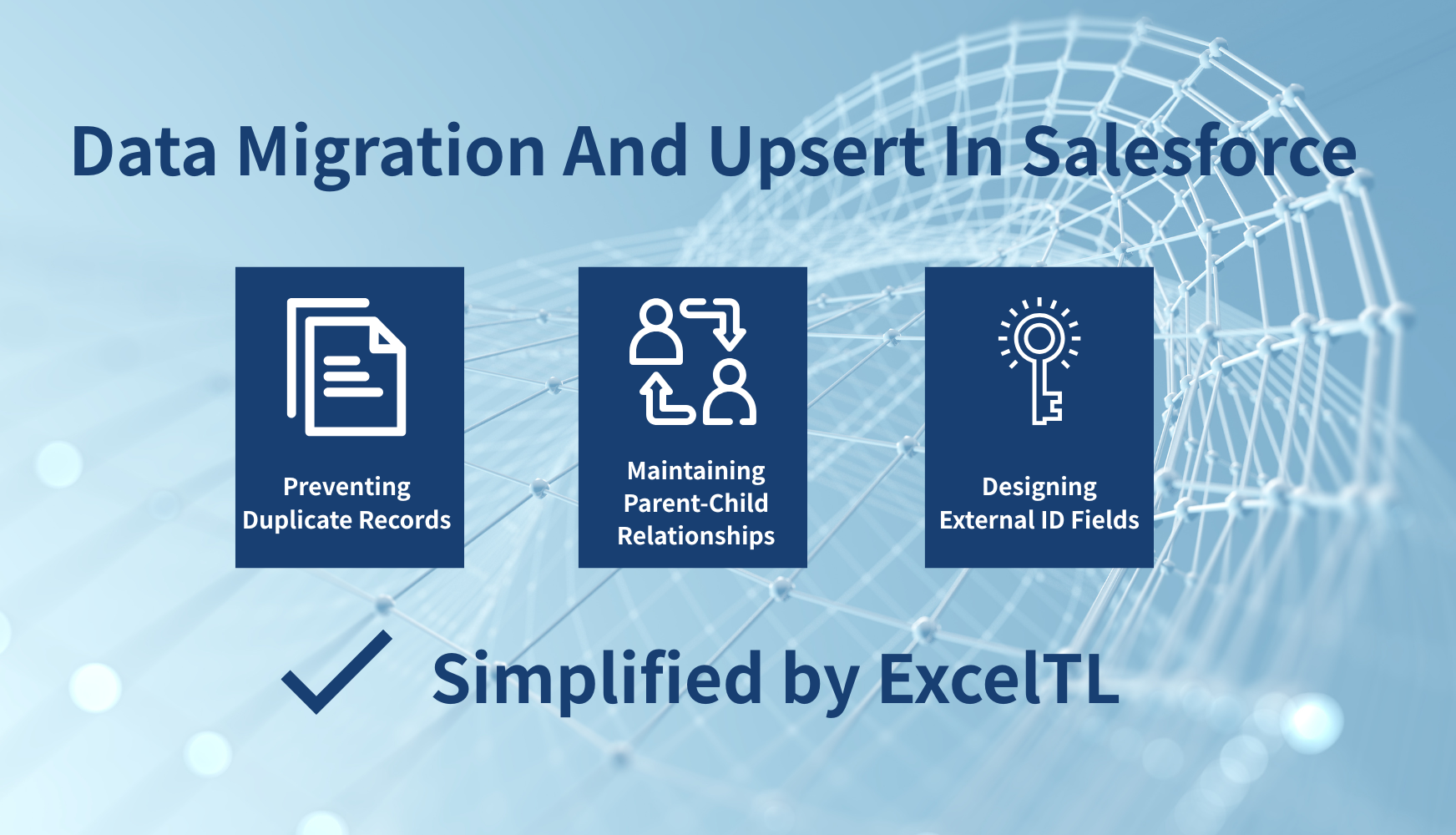
With ExcelTL, Salesforce data migration becomes remarkably simple. Perform Upsert without external IDs, maintain parent-child relationships, and preve...
Read More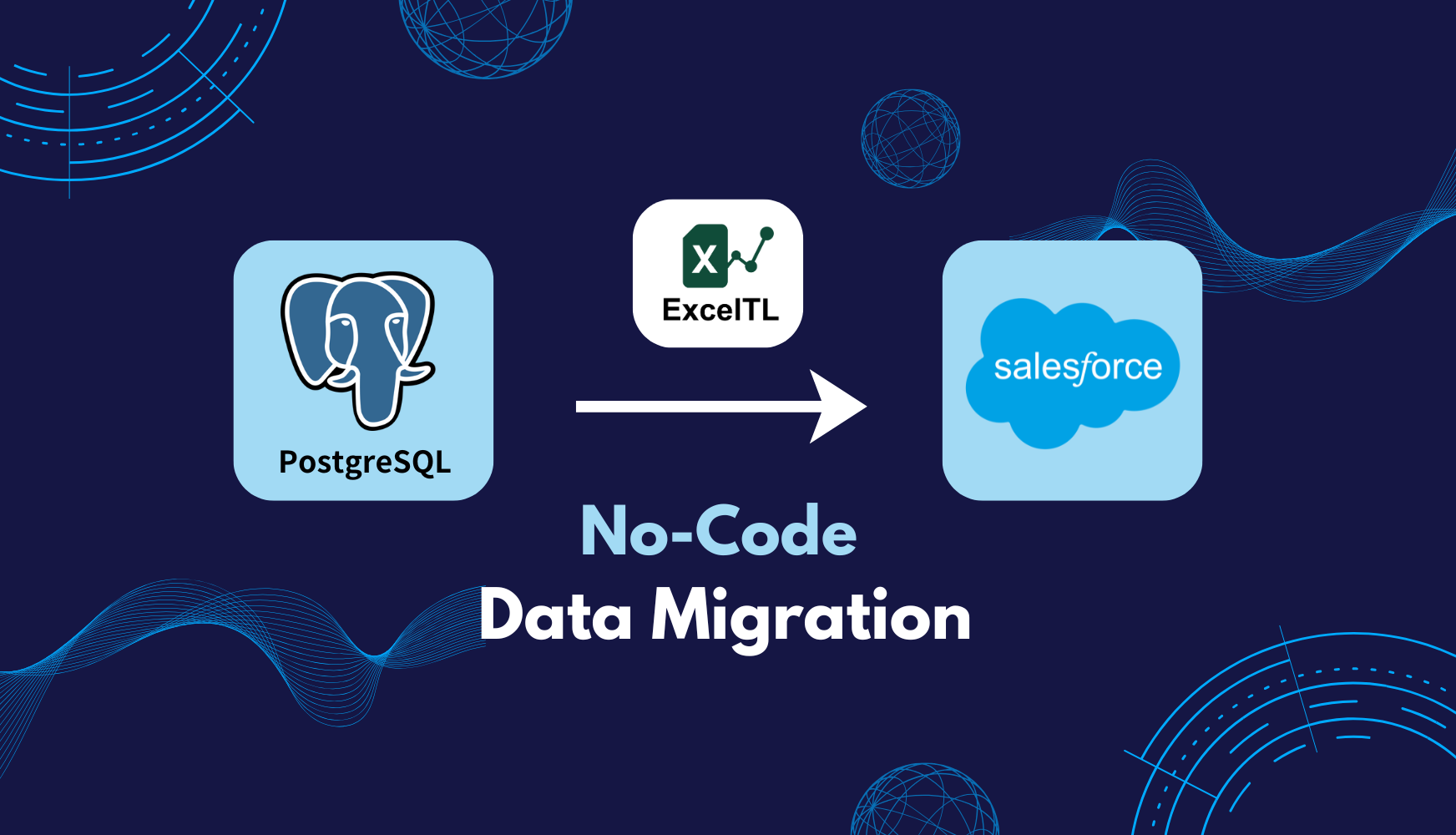
Learn how to migrate data from PostgreSQL to Salesforce with ExcelTL, a no-code ETL tool that simplifies complex data workflows. Design, transform, an...
Read More
Why did ExcelTL choose on-premises instead of SaaS? Behind this decision lies a strong commitment to data security and reliability. In this article, w...
Read More
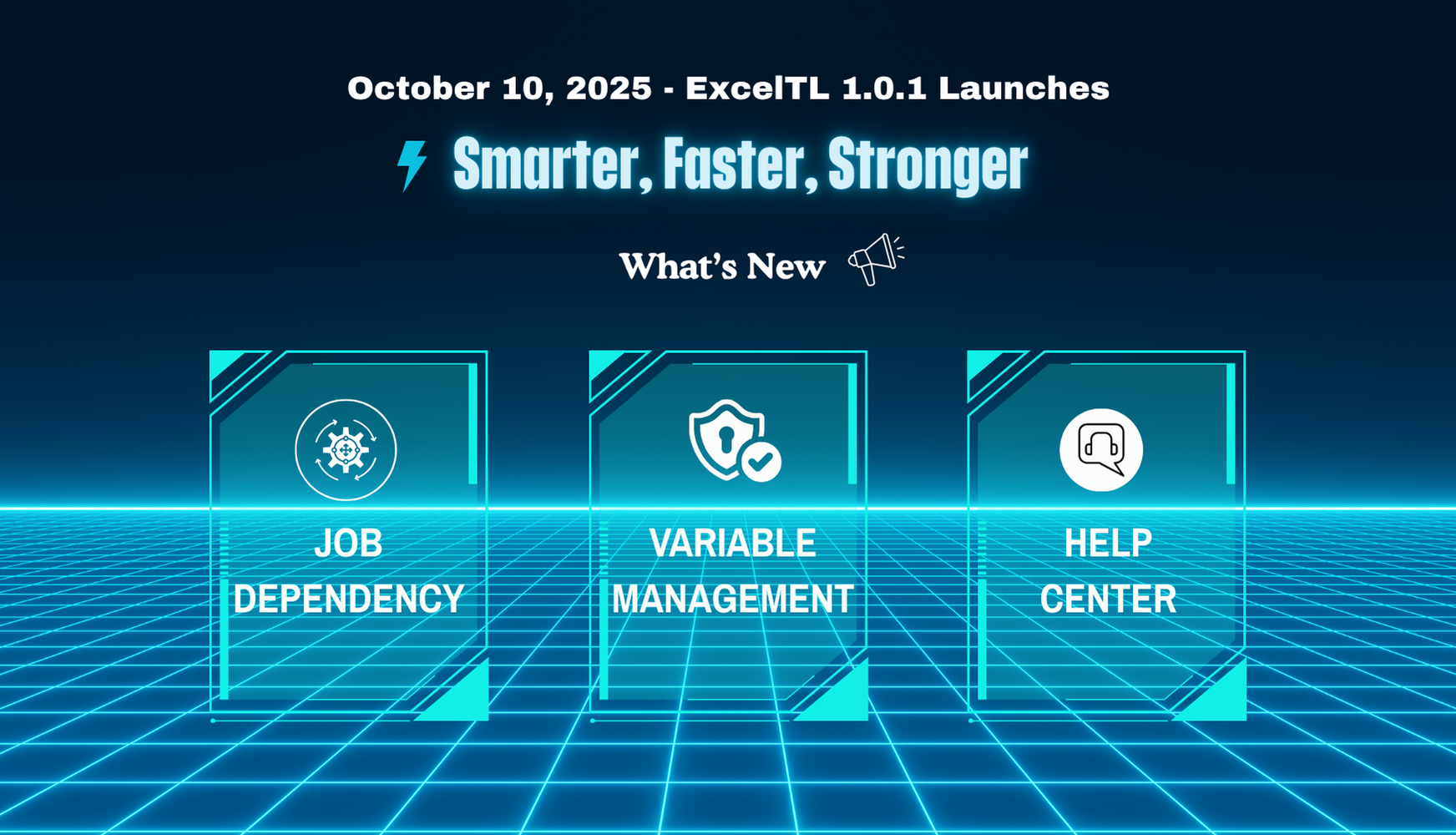
Learn how the ExcelTL team designs Variables and Job Dependencies — the key components that make data workflows faster, safer, and easier to maintain....
Read More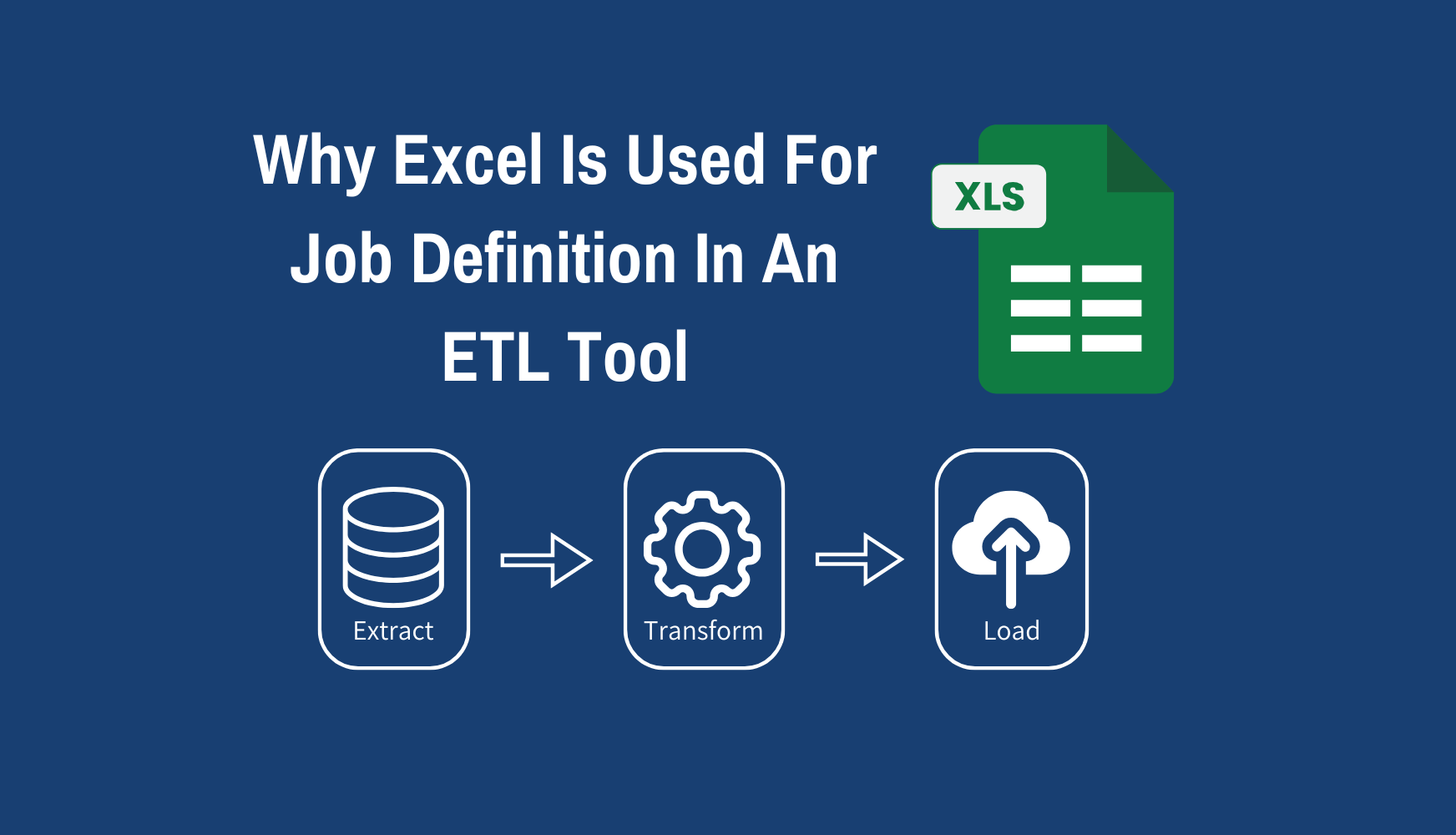
Unlike traditional ETL tools that rely on complex GUIs, ExcelTL introduces a new approach — defining ETL jobs directly in Excel. Familiar, structured,...
Read More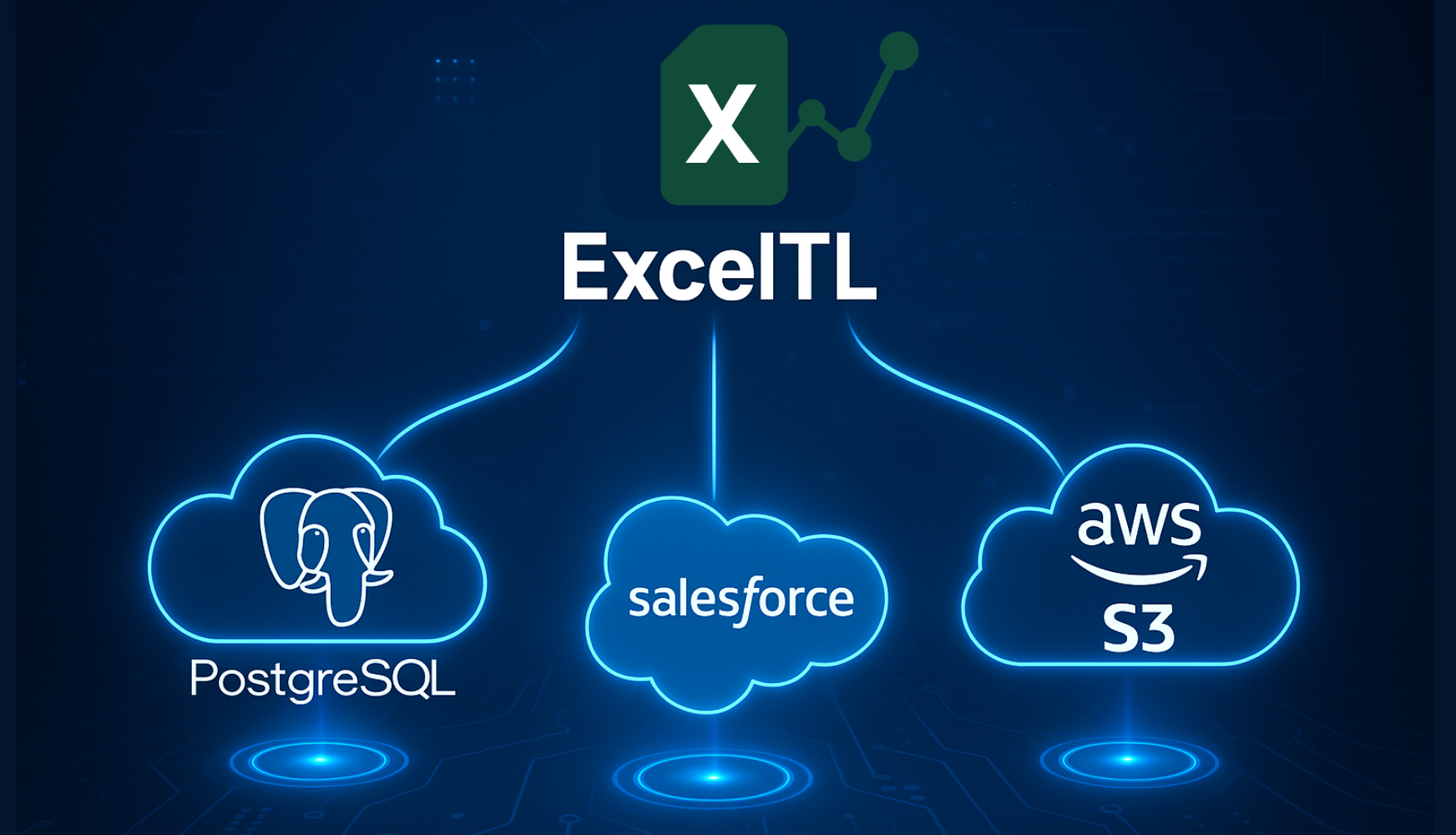
Simplify your data migration and integration workflows with ExcelTL — a no-code ETL solution that connects PostgreSQL, Salesforce, and AWS S3 effortle...
Read More
「Meet Acel, the ace of data processing born inside Excel. With the power of ETL — Extract, Transform, and Load — Acel’s mission is to make data handli...
Read MoreLearn ExcelTL through our step-by-step video guides
Looking to Automate Your ETL Jobs in Minutes, Not Months?
Let’s Make it Happen!
Whether you're:
- Data Engineers who want to stop wasting time on complex
coding and custom queries
- Business Analysts who want to make trusted, data-driven
decisions without waiting for IT
ExcelTL helps you do it all within Excel!
Fill out the form to speak with an expert.