Data Migration Made Simple: ETL Scenarios with ExcelTL for Salesforce, PostgreSQL, and AWS S3
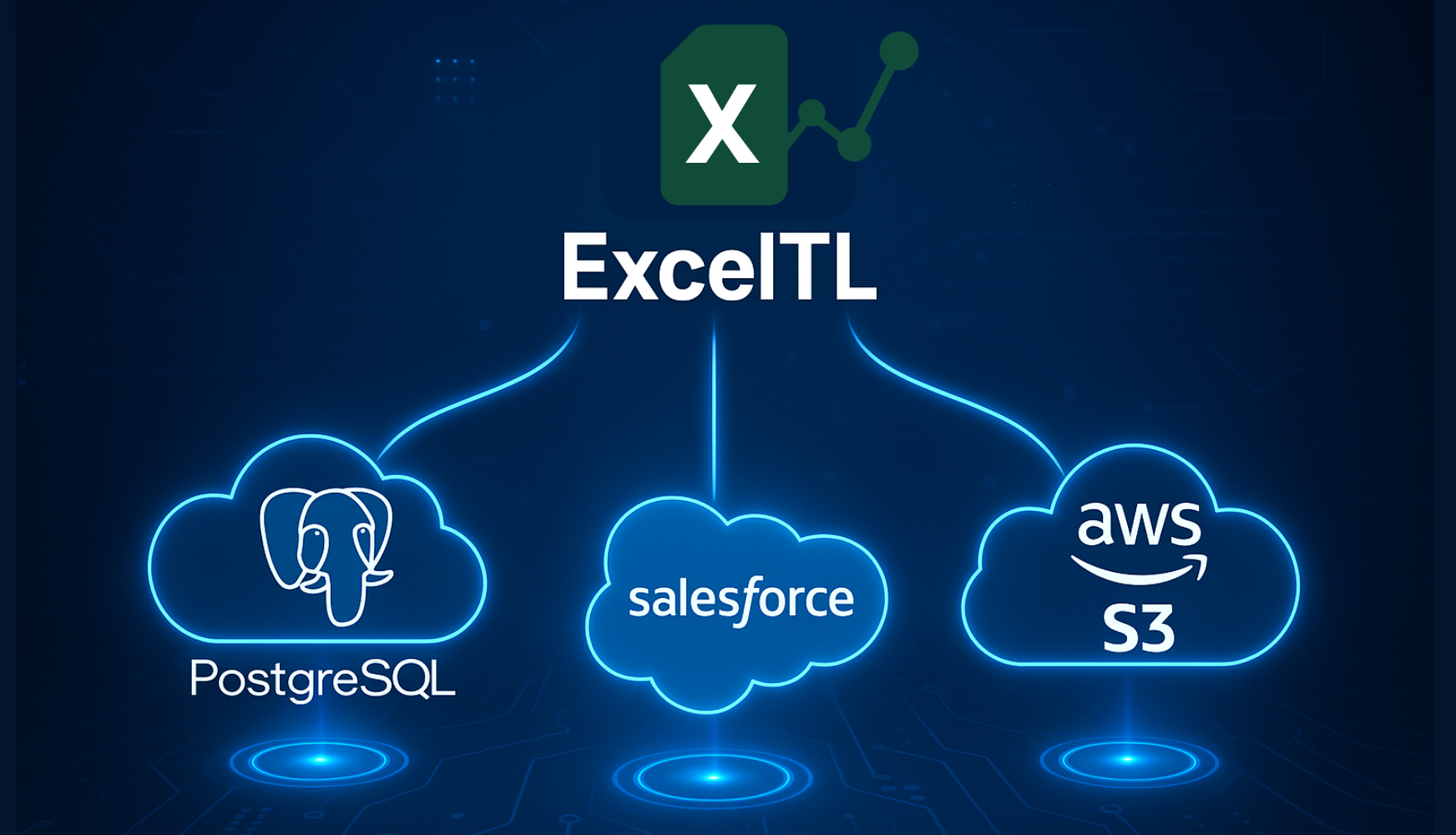
In today’s data-driven world, businesses rely on multiple platforms such as PostgreSQL, Salesforce, and AWS S3 to store, manage, and analyze information. However, keeping data synchronized across these systems often requires complex integration workflows — something that can easily become a bottleneck for teams without dedicated data engineers.
That’s where ExcelTL comes in. With its no-code ETL (Extract, Transform, Load) approach, ExcelTL allows users to design and execute powerful data pipelines directly in Excel — connecting, cleaning, and transferring data across platforms with ease.
Below are eight practical scenarios where ExcelTL can simplify data migration and integration between PostgreSQL, Salesforce, and S3.
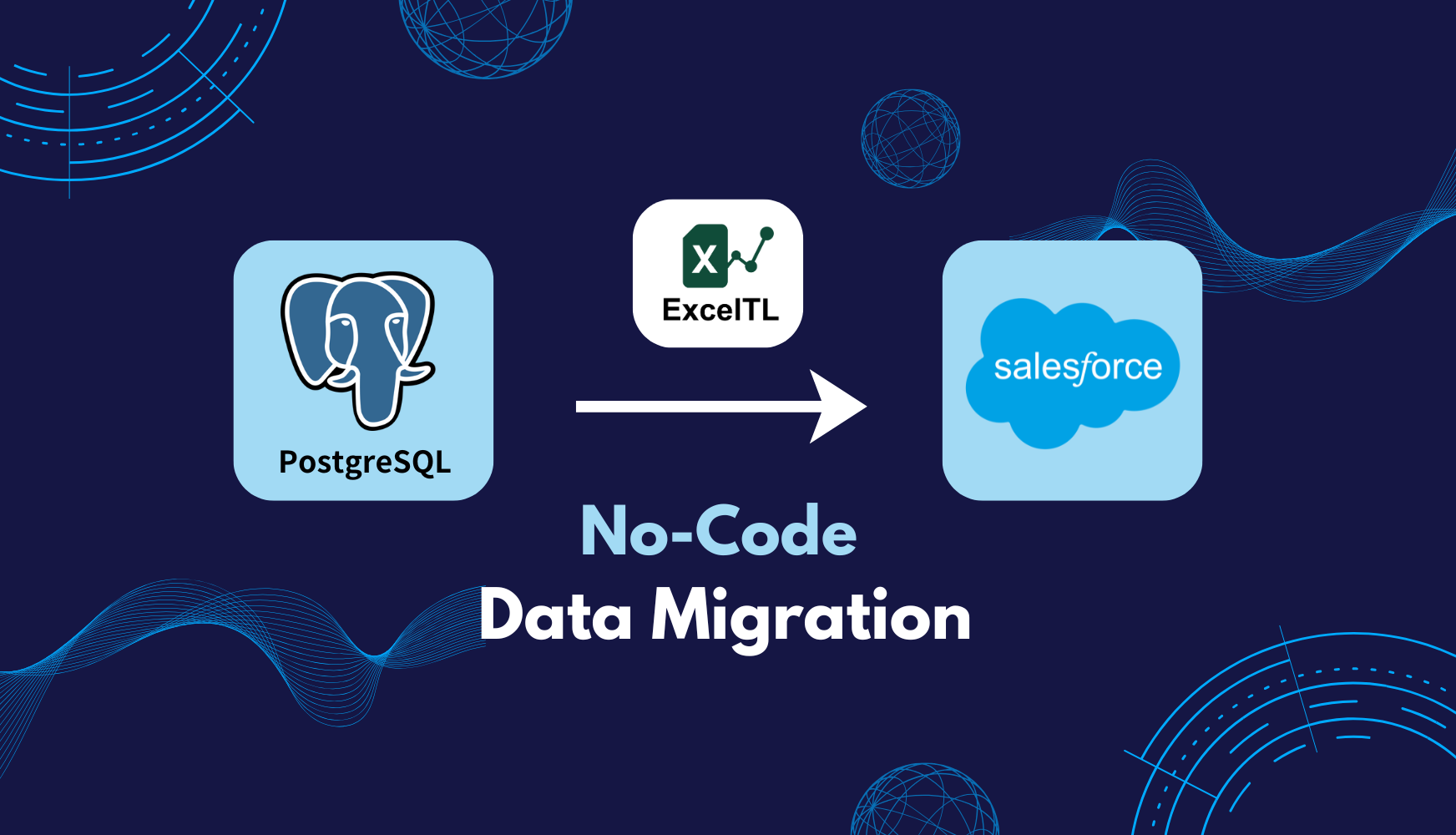
Scenario 1: Migrating Customer Data from PostgreSQL to Salesforce
Goal: Migrate customer data from a PostgreSQL database to Salesforce, ensuring that the correct records are created or updated in Salesforce based on unique identifiers like customer ID or email address.
Workflow:
-
Extract: Retrieve customer data from PostgreSQL (e.g., customers table).
-
Transform: Clean and map the data into Salesforce object fields. For example, map the PostgreSQL phone_number field to Salesforce’s Phone field.
-
Load: Insert or update customer records in Salesforce (e.g., creating or updating Account or Contact records).
Scenario 2: Migrating Salesforce Opportunity Data to PostgreSQL for Reporting
Goal: Extract opportunity data from Salesforce, process it, and store it in PostgreSQL for advanced reporting and analytics.
Workflow:
-
Extract: Query Salesforce for opportunity data (e.g., Opportunity object) using SOQL (Salesforce Object Query Language).
-
Transform: Perform any necessary transformations on the data, such as calculating derived fields or aggregating the data.
-
Load: Insert the transformed data into a PostgreSQL table (e.g., opportunities table) for reporting.
Scenario 3: Archiving S3 Data to PostgreSQL for Long-term Storage
Goal: Download files from an S3 bucket, process them (e.g., extract data from CSV files), and load the data into a PostgreSQL database for long-term storage and analysis.
Workflow:
-
Extract: Use AWS S3 SDK or direct connectors to retrieve data files (e.g., CSV, JSON) from S3.
-
Transform: Parse the files (e.g., CSV to structured data) and perform any necessary transformations like data validation or cleaning.
-
Load: Store the cleaned data into a PostgreSQL table for easy querying and reporting.
Scenario 4: Data Synchronization Between Salesforce and PostgreSQL (Two-Way Sync)
Goal: Set up a synchronization process where both Salesforce and PostgreSQL are updated with the latest data from the other system (e.g., customer details, sales orders).
Workflow:
-
Extract: Query both Salesforce and PostgreSQL for customer-related data, such as Account data from Salesforce and customers table from PostgreSQL.
-
Transform: Compare the data between Salesforce and PostgreSQL to determine what’s new or has changed.
-
Load: Update both systems based on the comparison:
-
Insert/update missing records in PostgreSQL from Salesforce.
-
Insert/update missing records in Salesforce from PostgreSQL.
-
Scenario 5: Backing Up Salesforce Data to S3 for Disaster Recovery
Goal: Periodically back up critical Salesforce data (e.g., Accounts, Opportunities) to S3 for disaster recovery and long-term storage.
Workflow:
-
Extract: Use SOQL to pull data from Salesforce (e.g., Accounts and Opportunities).
-
Transform: Convert the data into a suitable format for storage, such as CSV or JSON.
-
Load: Upload the transformed data to an S3 bucket for backup.
Scenario 6: Sales Performance Dashboard with Data from Salesforce, PostgreSQL, and S3
Goal: Build a sales performance dashboard by combining data from Salesforce (Opportunities), PostgreSQL (Customer Purchase Data), and S3 (product data).
Workflow:
-
Extract: Pull opportunity data from Salesforce, customer purchase data from PostgreSQL, and product data from S3.
-
Transform: Combine the data to calculate KPIs like sales performance, conversion rates, and product performance.
-
Load: Store the aggregated data in a reporting system or dashboard for analysis.
Scenario 7: Automating Data Import from CSV Files in S3 to PostgreSQL and Salesforce
Goal: Automatically import CSV files stored in S3 into both PostgreSQL and Salesforce on a daily basis.
Workflow:
-
Extract: Fetch the CSV files from an S3 bucket.
-
Transform: Parse the CSV files and clean/validate the data. Ensure the data matches the schema for both PostgreSQL and Salesforce.
-
Load: Load the data into PostgreSQL for backup and reporting, and into Salesforce for operational use (e.g., creating or updating Account or Lead records).
Scenario 8: Synchronize Product Information Between PostgreSQL and Salesforce
Goal: Ensure that product data is synchronized between PostgreSQL and Salesforce. This is essential for accurate inventory management and pricing.
Workflow:
-
Extract: Fetch product data from both systems (PostgreSQL products table and Salesforce Product2 object).
-
Transform: Map product fields between PostgreSQL and Salesforce (e.g., price, name, description).
-
Load: Ensure products in both systems are updated or created if missing.
These scenarios show how ExcelTL empowers teams to integrate, synchronize, and analyze data across PostgreSQL, Salesforce, and S3 — all without writing code. Whether you’re migrating data, building dashboards, or ensuring business continuity through backups, ExcelTL turns complex ETL workflows into simple, Excel-based processes that anyone on your team can manage.
Start streamlining your data operations today — with the power of ExcelTL.
Related Articles